Is Your Keynote Speaker's Wireless Mic Even Legal? The 600 MHz Rule and Other RF Problems
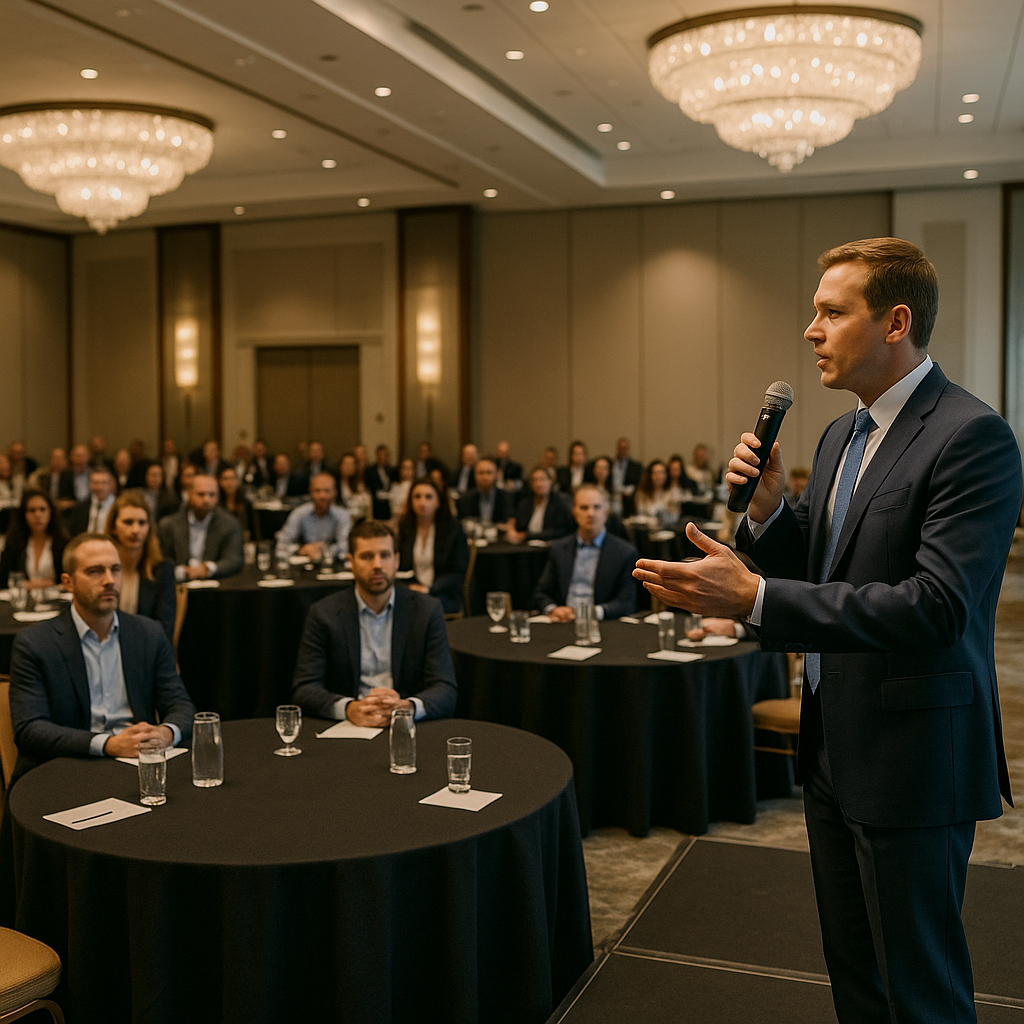
A keynote can survive a late slide deck or a slow coffee break. It does not survive a dead microphone. Most audio failures at corporate events are not dramatic equipment breakdowns. They come from radio frequency (RF) problems: a mic tuned to a frequency that is no longer legal, two systems fighting over the same channel, or a ballroom full of metal, LED walls and phones that nobody tested in advance.
Here is what planners, speakers and executive assistants should know before a single word is spoken from the stage.
What the “600 MHz Rule” Actually Means
In 2017 the Federal Communications Commission finished an incentive auction that took spectrum formerly used by TV channels 38–51 and gave most of it to mobile wireless carriers. According to the FCC’s consumer guide on operation of wireless microphones, the 617–652 MHz and 663–698 MHz frequencies were repurposed for this new 600 MHz service and are no longer available for wireless microphone use.
The key dates:
- October 13, 2018: manufacturing, importing, selling, leasing or shipping wireless mics designed for the 600 MHz service band became prohibited in the U.S.
- July 13, 2020: the transition period ended. Wireless microphones, licensed or unlicensed, could no longer operate in 617–652 MHz or 663–698 MHz.
This was not the first squeeze. The FCC had already removed the 700 MHz band (698–806 MHz) from wireless-mic use in 2010. So a system that tunes anywhere in 617–652 MHz or 663–806 MHz should not be used for your event, no matter how good it once sounded. The FCC warns that unlawful operation in the 600 MHz band can lead to fines or other penalties.
In practice, the bigger risk is not enforcement on show day. Those frequencies now carry mobile network traffic, so an old mic there can be swamped by interference or can itself interfere with licensed service.
Where Wireless Mics Can Still Operate
The rules did not eliminate wireless microphones. They narrowed where they can live. Under the FCC’s rules for unlicensed mics (47 CFR §15.236) and licensed Part 74 operation, common options include:
- TV bands below 608 MHz (including 470–608 MHz), on channels not occupied by local TV stations. Unlicensed mics are limited to 50 milliwatts here.
- 600 MHz guard band (614–616 MHz), unlicensed, limited to 20 milliwatts.
- 600 MHz duplex gap: 653–657 MHz for licensed users and 657–663 MHz for unlicensed users, also limited to 20 milliwatts.
- Other bands, such as certain licensed frequencies near 941–952 MHz, and license-free systems in ranges like 902–928 MHz, 1.9 GHz and 2.4 GHz. Each has its own tradeoffs in range, channel count and congestion.
Open TV channels vary by market, and South Florida has a dense broadcast landscape across Miami-Dade, Broward and Palm Beach. A frequency that works cleanly in one city may collide with a TV station in another. Your audio team should check local occupancy, for example with the FCC’s TV Query database or the manufacturer’s frequency tools, before choosing channels.
How to Tell If a Speaker’s Mic Is a Problem
Many keynote speakers travel with their own headset or lavalier system. Some of it dates back more than a decade. A quick check saves a scramble at sound check:
- Read the label. Most receivers and bodypacks show a frequency range or band code on the back or inside the battery compartment. If the range overlaps 617–652 MHz or 663–806 MHz, plan on using the venue’s or your AV provider’s system instead.
- Ask early. Add a line to the speaker rider or advance questionnaire: “Will you bring your own wireless mic? If so, please share the make, model and frequency range.”
- Do not assume “digital” means legal. Digital and analog systems both have to stay inside permitted frequencies.
- Budget for a swap. Supplying a coordinated house mic is usually simpler than troubleshooting a guest system 20 minutes before doors.
Frequency Coordination: The Step Most Events Skip
Legal frequencies are only half the job. Every wireless mic, in-ear monitor, intercom and IFB in the building has to coexist. Transmitters running at the same time can create intermodulation products, which are “ghost” signals that land on another mic’s channel and cause hiss, dropouts or bleed.
Good coordination looks like this:
- Scan the room on site, ideally at the same time of day as the event, to see what is already on the air.
- Calculate a compatible frequency plan for every wireless channel in use, not just the keynote mic.
- Talk to everyone using wireless: the venue’s in-house AV, the video crew, the band or DJ, and any event happening next door that shares the building.
- Lock and label frequencies on each transmitter so nobody changes a channel mid-show.
Multi-room conferences and hotels hosting several events at once need extra attention, because a breakout session’s mics can hit the main stage through shared walls.
Why Ballrooms Are Hard on RF
Hotel ballrooms and convention halls pack a lot of RF obstacles into one room:
- Air walls and metal structures reflect and block signals, creating dead spots that move as partitions open and close.
- LED video walls, lighting dimmers and production equipment can raise the noise floor.
- Hundreds of phones, hotspots and Wi-Fi access points crowd the 2.4 GHz range, which matters if you rely on 2.4 GHz mic systems.
- Bodies absorb RF. A room that tested clean when empty can behave very differently at full capacity.
Mitigation is mostly about placement and testing. Antennas should have a clear line of sight to the stage and be mounted high, not hidden behind a riser or under a draped table. Long cable runs may call for remote or directional antennas. Walk the full stage and any audience walk-through area with the mic live during rehearsal, and note any spot where the signal drops.
Venues often have their own rules on outside AV equipment, power and rigging. Confirm requirements with the venue’s event or AV manager before you finalize the audio plan.
Backup Planning for Keynote Audio
A solid keynote audio plan assumes something will fail and makes the fix invisible to the audience:
- Redundant microphones. Give the keynote speaker a primary headset or lavalier and a handheld backup on a separate, coordinated frequency, already powered and muted at the console.
- A wired option at the lectern. A wired mic is immune to RF problems and is the fastest recovery when wireless misbehaves.
- Fresh batteries for every session. Install new or fully charged batteries before each speaker, not “when they get low.” Keep spares at the mix position.
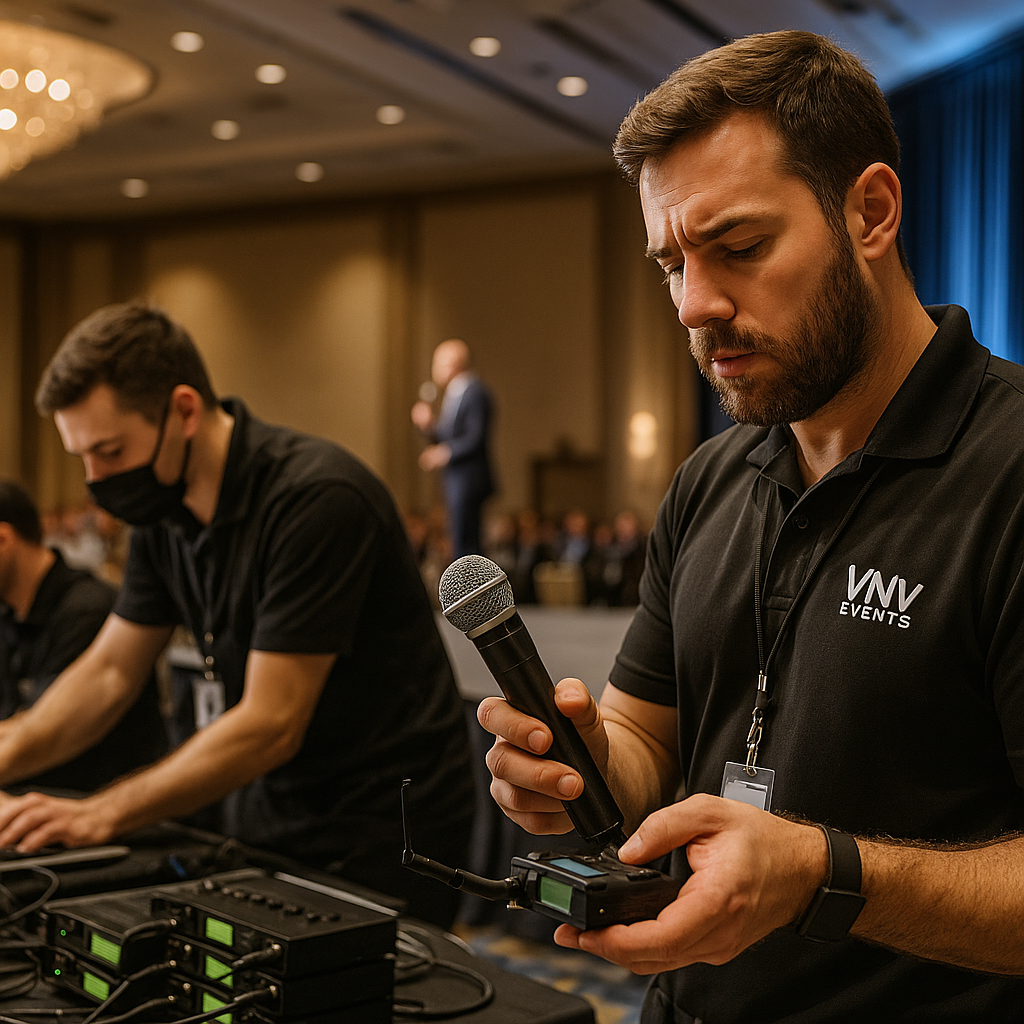
- A dedicated audio technician. Someone should be watching RF and battery levels on the receivers throughout the keynote, not only listening for problems.
- A rehearsed handoff. Agree in advance on how a stagehand will deliver the backup mic, and brief the speaker so the switch takes seconds.
- A record of the session. If the keynote is being recorded or streamed, a separate audio feed protects the content even if the room mix has a hiccup.
A Quick Pre-Event Checklist
- Confirm the frequency range of every wireless system, including speaker-owned gear.
- Remove anything operating in 617–652 MHz or 663–806 MHz.
- Check local TV channel occupancy and build a coordinated frequency plan.
- Scan the venue on site and coordinate with in-house AV and other vendors.
- Place antennas with clear line of sight to the stage.
- Walk-test the stage during rehearsal with the room set as it will be.
- Stage a wired backup and a second wireless mic, with spare batteries.
- Assign one technician to monitor RF for the full keynote.
Keynote audio rarely gets attention when it works, and that is the goal. At VNV Events, our production team builds RF checks and backup audio into the plan for corporate events across Broward, Miami-Dade and Palm Beach, so the only thing your audience remembers is the message.
Visuals