Livestreaming a Wedding or Gala? Why YouTube Can Cut Your Feed Mid-Toast
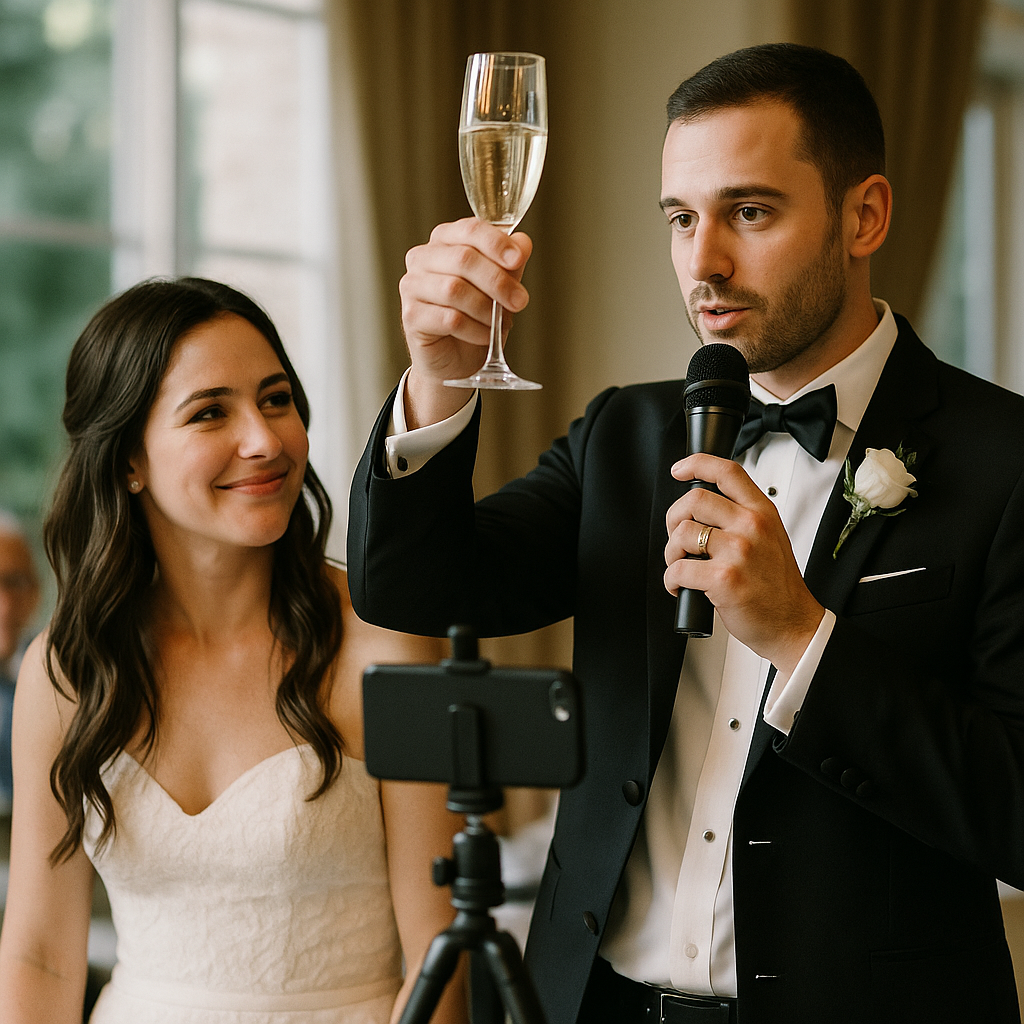
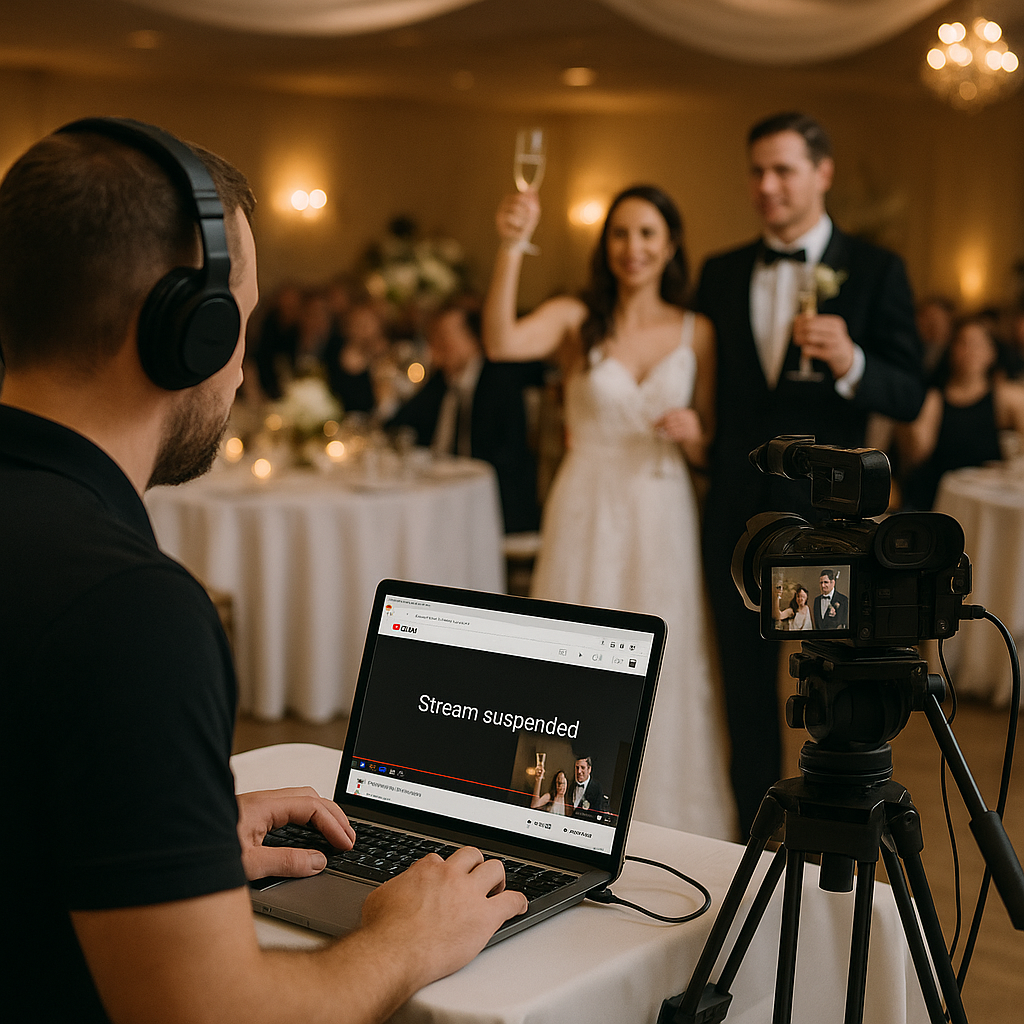
The best man raises his glass, the DJ brings up the couple's song, and grandma in Bogotá or Boston sees a gray placeholder screen instead. It happens more often than people expect. The cause usually isn't the camera. It's the music.
Livestreaming is now a normal part of South Florida weddings, quinceañeras, and galas, with relatives watching from Latin America, the Northeast, or a hospital room across town. Here's what actually interrupts YouTube streams, what you can control, and what to plan before the event day.
The Real Reason Streams Get Cut: Automated Copyright Scanning
According to YouTube's own help documentation on live stream copyright, every live stream is scanned for matches to third-party content. When a match is found, YouTube may swap your video for a placeholder image and warn you to stop. If the copyrighted content keeps playing, the stream can be temporarily interrupted or terminated.
At a wedding or gala, that "third-party content" is almost always:
- The DJ set or live band covers picked up by your camera or audio feed.
- Processional, first-dance, or entrance songs played from commercial recordings.
- Background music under speeches, which is why toasts are such a common failure point.
- Video packages (slideshows, sponsor reels, tribute videos) set to popular songs.
The system doesn't know it's your wedding. It hears a recording it recognizes and reacts.
"But we have permission" isn't always enough
This catches planners off guard. YouTube states that even if you've licensed music for your stream, it can still be interrupted unless the rights holder adds your channel to their Content ID allowlist. In practice, that's unrealistic for a one-time family event using major-label songs.
Likewise, don't assume that a venue's or DJ's music licensing for the room also covers broadcasting that music online. Those are separate questions. If music rights matter for your event, ask your venue and entertainment vendors in writing what their licenses do and don't cover, and consult the rights holder or an attorney for anything commercial, such as a ticketed or sponsored gala.
Other Reasons a Stream Can Fail
Channel eligibility and setup timing
To go live, YouTube requires a verified channel with no live-streaming restrictions in the past 90 days, and the person streaming must be at least 16. For a first-time setup, YouTube notes it can take up to 24 hours before you can start your first live stream. Enabling streaming the morning of the wedding is a real risk.
Phone streams from small channels
Many couples plan to stream from a cousin's phone. YouTube's mobile live streaming currently requires at least 50 subscribers, and channels with fewer than 1,000 subscribers may have their mobile viewer count limited, with the archived video set to private by default. A brand-new personal channel is often the wrong tool for a guest list of 200 remote viewers.
Policy strikes
Live content must follow YouTube's Community Guidelines. A strike can block live streaming on that channel for 14 days, so a problem at the rehearsal dinner stream can take out the wedding stream the next day.
Connectivity and equipment
Ballroom Wi-Fi shared with 300 guests' phones is not a broadcast connection. YouTube's encoder guidance recommends running an upload speed test, testing with audio and movement similar to the real event, and watching stream health during the broadcast. For reference, YouTube lists a recommended bitrate of 14 Mbps for 1080p at 30 fps using the common H.264 codec (minimum 5 Mbps), and 8 Mbps for 720p (minimum 3 Mbps). Your sustained upload speed needs to comfortably exceed whatever you choose.
How to Keep the Feed Up When It Matters
1. Separate the stream audio from the room audio
This is the single most effective fix. Feed the stream from a dedicated audio mix: speeches, vows, and officiant mics go to the stream; the DJ's commercial tracks don't. During dance sets, cut the stream to a "be right back" slide, a lower-volume ambient feed, or royalty-free music you have rights to use. Remote guests mostly tune in for vows, toasts, and first dances anyway.
2. Build a run-of-show for the stream
Mark which moments go live and which go to a holding screen. Give the technician cues: "Mute music bed when the maid of honor reaches the mic." Coordinate with your DJ or band so they know when the stream is hot.
3. Pick music for streamed moments deliberately
For the processional and first dance, consider a live instrumental arrangement, a track with streaming-friendly licensing, or simply accepting that that moment may not stream cleanly and capturing it for the edited film instead.
4. Use a hardwired or bonded connection
Ask the venue for a dedicated wired ethernet drop for the stream, not guest Wi-Fi. If that's unavailable, a cellular bonding device that combines multiple carriers is a common backup. Confirm with the venue in advance what network access they allow.
5. Set up the channel early and do a full rehearsal
Verify the channel, enable live streaming, and schedule the event at least several days out. Run a private test from the actual venue, ideally at the same time of day, with real audio levels.
6. Have a backup destination and a backup link
Prepare a secondary platform or a private video-call link you can switch to if YouTube flags the stream. Tell remote guests in advance where to go if the main stream drops, so you're not trying to text 80 people during the reception.
7. Record locally regardless
Always record a full-quality local copy. If the live feed hiccups, you can still share the ceremony afterward, and it becomes your source material for highlight edits.
Choosing the Right Visibility Setting
Most weddings work best as unlisted streams: only people with the link can watch, and it won't appear in search. Private streams require inviting specific accounts, which is cumbersome for older relatives. Public streams are usually only appropriate for galas or fundraisers that want broad reach. Also keep in mind that if you keep the replay after the event, Content ID claims can be applied to the archived video even if the live broadcast ran without interruption.
A Note for Gala and Nonprofit Organizers
Galas add stakes that weddings don't: sponsor logos, paid entertainment, auction moments, and sometimes ticketed virtual access. Clarify streaming rights in your performer and speaker agreements, and confirm music rights for any sponsor or tribute videos before they hit the broadcast. Rules vary by performer, label, and contract, so get answers in writing rather than assuming.
FAQs
Can I livestream my wedding on YouTube?
Yes. YouTube works well for ceremonies, vows, and toasts. The risk comes from copyrighted music in the feed, a channel that isn't verified or enabled in time, or an unstable connection. Plan for all three.
Will YouTube really cut the stream during a toast?
It can if recognizable copyrighted music is playing underneath. YouTube may first show a placeholder and a warning, then interrupt or end the stream if the music continues. Keeping background music out of the stream mix during speeches is the simplest prevention.
What equipment do I need for a reliable livestream?
At minimum: a stable camera, a dedicated audio feed from the officiant and speech mics, an encoder or streaming software, a wired or bonded internet connection, and someone whose only job is running the stream. A phone on a tripod can work for small events, but it depends on your channel's eligibility and the venue's connection.
How should I share the livestream with guests?
Schedule the stream in advance so the link exists early, then share it through your wedding website, email, or a family group chat a few days before. Include the start time with the time zone and a backup link in the same message.
Should my DJ or planner handle the stream?
Ideally, a dedicated technician handles the stream in coordination with the DJ and planner. When VNV Events produces an event with streaming, the audio routing, run-of-show cues, and connectivity plan are worked out with the venue ahead of time, so remote guests hear the vows instead of a placeholder screen.
Visuals